
How to Automate Lead Follow-Up Without Losing the Human Touch
Fast follow-up matters, but automation should not turn every customer interaction into a generic message. The strongest workflow automates coordination while keeping people responsible for judgment and conversation.
Avenor supports this balance by connecting lead ownership, pipeline stages, tasks, notifications, appointments and AI-assisted drafts in one operational record.
What should be automated?
Reliable automation is most useful for repeatable steps:
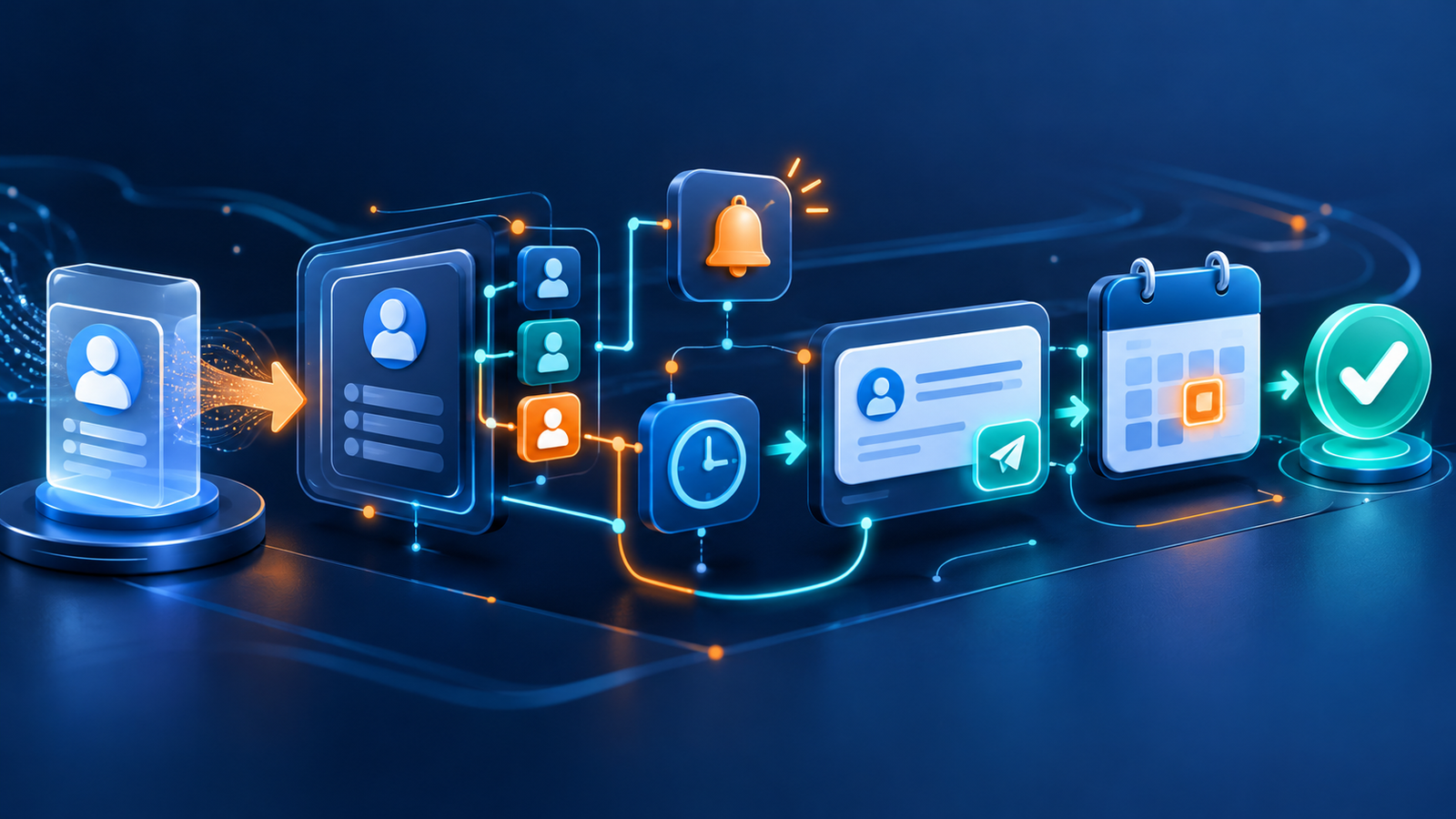
- Capture a lead from Meta or a webform.
- Check duplicates and preserve source context.
- Assign an owner based on team rules.
- Notify the responsible person.
- Create a follow-up task or reminder.
- Update the workflow when an appointment is booked.
These steps reduce manual handoffs without pretending that every lead needs the same response.
What should stay human?
Qualification, sensitive questions, negotiation and service recommendations still require context. Automation should make the record complete and the next action visible. The team should decide how to communicate.
Design the pipeline before the automation
A useful pipeline might include New, Contacted, Qualified, Appointment Booked, Follow-up Required, Won and Lost. Each stage needs a clear owner and definition.
Once those rules are documented, Avenor's CRM workflow platform can support routing, notifications, task creation and AI-assisted follow-up while maintaining the history of the lead.
Measure the process
Monitor response time, leads without an owner, overdue tasks, qualification rate, booking rate and outcomes by source. Automation is valuable when it improves consistency and visibility—not simply when it sends more messages.
Pixevo can also help with workflow automation, CRM development and lead generation systems.
To test the process with your real workflow, explore Avenor and book a demo.