

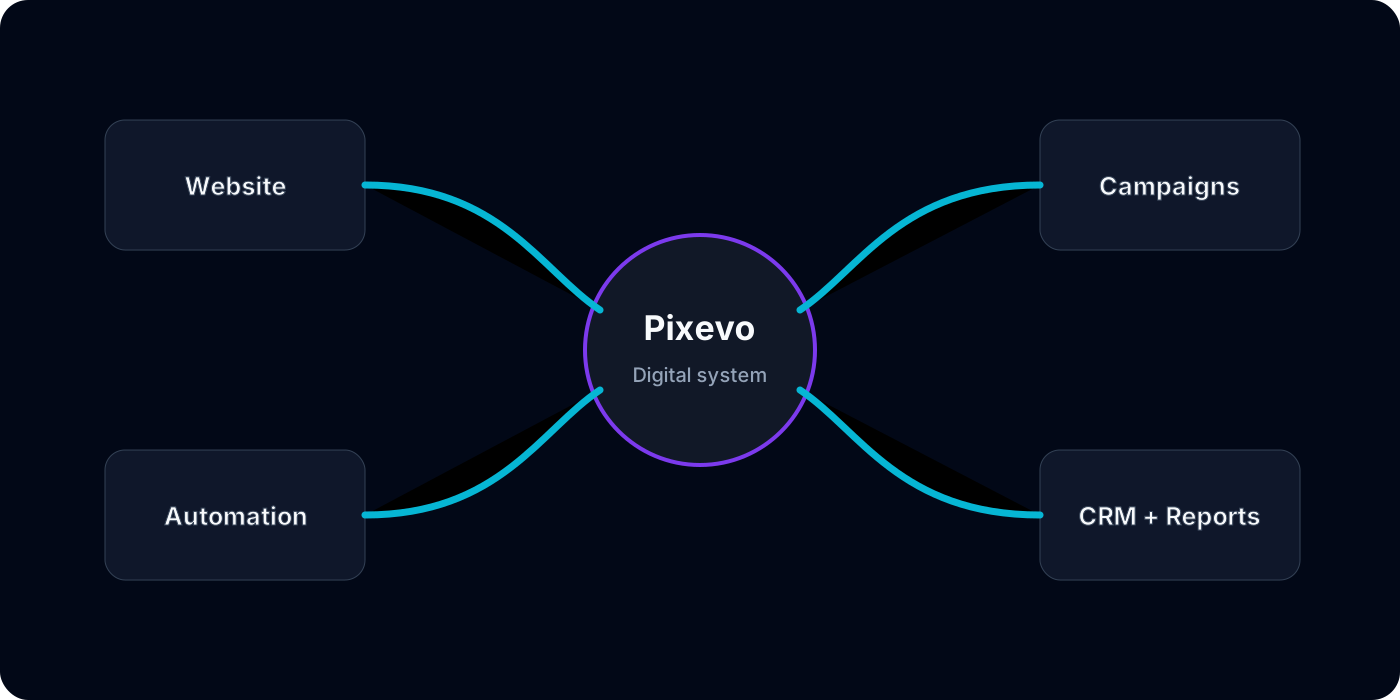
How to Connect Website Forms, WhatsApp, Email, and CRM Automatically
Many businesses receive enquiries from several places: website forms, WhatsApp, Meta Ads, Google Ads, email, and landing pages. If these channels are not connected, the team spends time copying data and checking different inboxes.
An automated lead flow can bring those enquiries into one process.
A Practical Lead Flow
A useful setup can work like this:
- A visitor submits a website form.
- The lead is saved in a CRM or spreadsheet.
- The right team member receives an email or WhatsApp alert.
- The lead source and campaign are stored.
- A follow-up task is created.
- A dashboard updates automatically.
This gives the business a cleaner way to respond and report.
What to Plan Before Automating
Before building, define what information is required, who should receive alerts, what statuses the team uses, and what should happen if an automation fails.
The best automations include error handling and documentation, not only happy-path steps.
How Pixevo Helps
Pixevo can connect forms, CRM, WhatsApp, email, Google Sheets, ads, and dashboards using n8n, Zapier, Make, APIs, or custom integrations.
The result is faster follow-up and less manual admin work.